
Yes, but only in specific situations. Govee strip lights can sometimes be cut, and only certain models can be extended. The exact answer depends on the strip type, especially whether it uses RGB or RGBIC technology, along with manufacturer limitations and how the lighting system is designed.
When people ask Can You Cut or Extend the Govee Strip Lights, we always explain that cutting is often possible at designated points, but extending is far more limited, especially with RGBIC strips where signal control becomes a factor. In our experience, most issues come from modifying strips without understanding how power delivery and signal flow work.
| Feature | Cutting | Extending |
|---|---|---|
| Can It Be Done? | Yes — on supported models | Limited — model-dependent |
| Works Best With | Standard RGB strips | Select RGB strips with extension support |
| RGBIC Compatibility | Cuttable, but removed sections may have limited reuse | Rarely extendable |
| Recommended Method | Cut only at the clearly marked cutting points | Use manufacturer-approved extensions only |
| Risks | Losing segment functionality or damaging the strip | Signal loss, uneven colors or reduced brightness |
| Best Practice | Follow the marked cut lines exactly | Avoid extending unless the specific model supports it |
Avoid damaged strips, voltage drops, and signal problems. Hire an experienced Govee installer to plan your layout and handle the installation correctly.
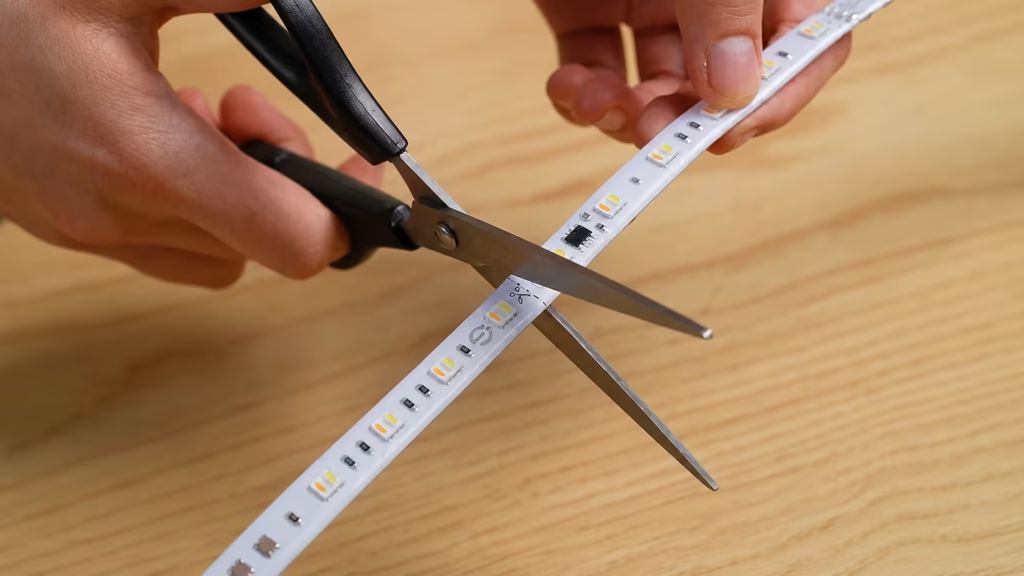
No. Not all Govee LED strip lights are designed to be cut safely.
Most standard RGB strip lights include visible cut marks every few inches. These marks indicate safe locations where the strip can be trimmed without damaging the circuit.
During many Govee lights installation projects, we’ve found that basic RGB strips are the easiest to modify and reuse after cutting.
RGBIC strip lights are more complicated. While they often include cut lines, cutting them can:
One of the most common mistakes we see is homeowners assuming all strips behave the same after cutting. RGBIC strips rely on addressable LED segments, which require continuous signal flow.
Before cutting any LED strip, we always recommend:
Ignoring these steps often leads to permanent damage.
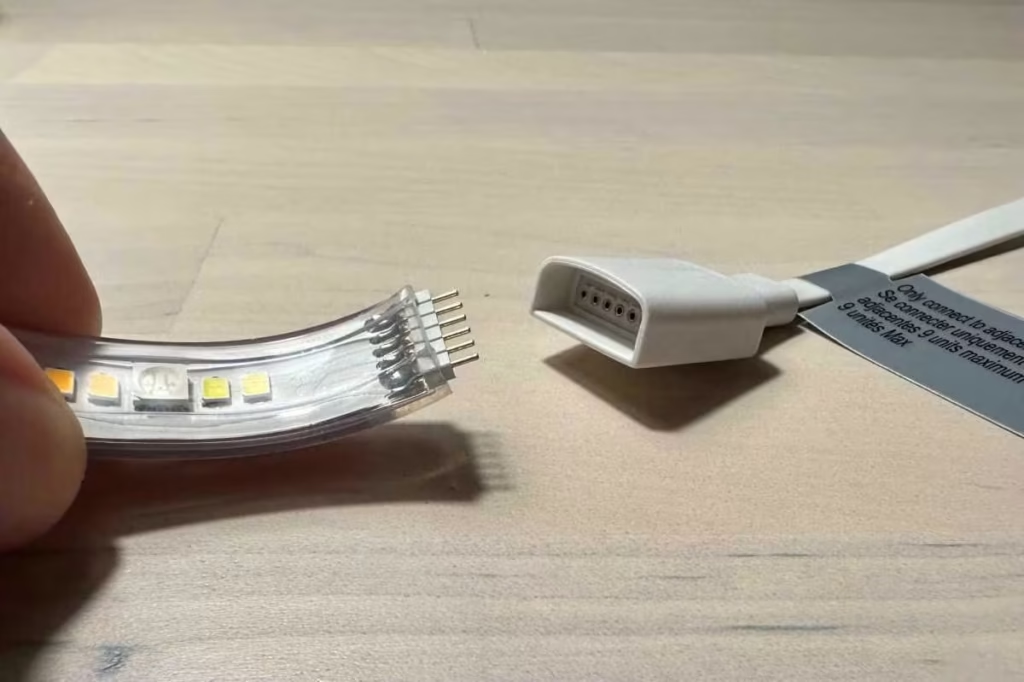
Extending Govee strip lights is much more limited than cutting.
Some standard RGB models allow extensions using:
These work because the entire strip operates on a consistent signal.
RGBIC strips typically do not support extension beyond their designed length.
We’ve found that attempting to extend them often leads to:
Two major factors affect extension:
Signal Loss
Addressable LED strips rely on precise communication between segments. Extending beyond limits weakens the signal.
Voltage Drop
Longer runs reduce brightness at the far end. This is especially noticeable in longer installations.
Professional installers typically plan strip length in advance to avoid these issues.
From measuring and cutting to cable routing and connections, our professionals can install your Govee lights for a polished and dependable result.

Cutting is straightforward if done correctly.
Look for:
Never cut outside these areas.
You’ll need:
Homeowners often overlook this step. Always measure twice before cutting.
Cut straight across the marked line. Avoid angled or uneven cuts.
Reconnect power and test functionality before final installation.
One mistake we frequently encounter:
In our experience, careful planning prevents most of these issues.
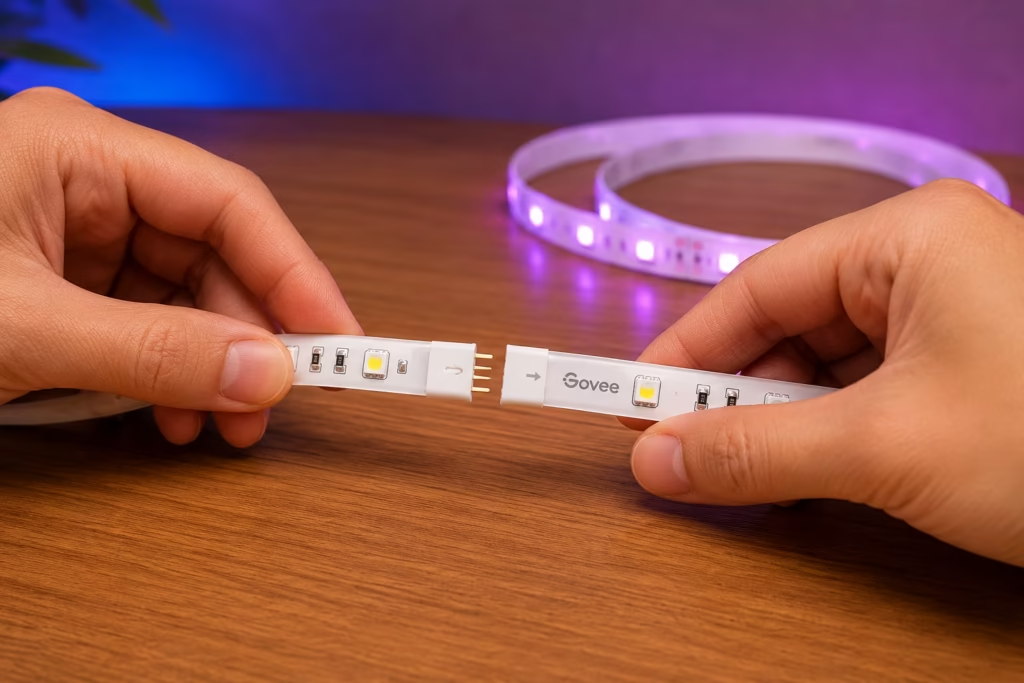
Extending requires more planning than cutting.
Solderless Connectors
Soldering
Extension Cables
Before extending, check:
One mistake we frequently see is using an undersized power supply, which leads to dim lighting or flickering.
For RGBIC strips, signal flow is critical.
We’ve found that:
Because of this, extending addressable strips is rarely recommended unless specifically supported.
Even the best LED strip can underperform if it’s installed incorrectly. Small mistakes during setup can lead to uneven lighting, connection issues, or even permanent damage to the strip.
Taking a little extra time to follow the manufacturer’s guidelines helps ensure better performance, longer lifespan, and a cleaner, more reliable installation.
Cutting in the Wrong Location
Overextending Strips
Using the Wrong Power Supply
Incorrect Connectors
Moisture Exposure
Poor Cable Management
Reconnect or replace faulty connectors.
Usually caused by:
More common with RGBIC strips. Resetting the controller often helps.
This can result from:
Use a dry cloth. Avoid moisture unless the strip is waterproof.
Keep firmware updated through the app to improve performance.
If segments fail completely, replacement is often more practical than repair.
Wrong connectors, excessive strip length, and inadequate power can create frustrating problems. Hire a professional to get your setup right from the start.
Most Govee strip lights can be cut, but extending them depends on the specific model, especially RGBIC versions. Planning ahead and following manufacturer guidelines are essential for reliable performance. Even small installation mistakes can affect brightness, signal quality, and overall lifespan. For more complex layouts, professional Govee lights installer can help prevent compatibility issues, signal problems, and costly mistakes.
Usually not with RGBIC strips. Standard RGB strips may allow reuse with connectors, but RGBIC segments often lose functionality after cutting.
Cutting outside marked lines can break the circuit, causing sections of the strip to stop working entirely.
Solderless connectors are convenient but less durable than soldered connections. For long-term setups, soldering is more reliable.
This is typically due to voltage drop or insufficient power supply. Adding power injection or reducing length can help.
In many cases, yes. Modifying the strip outside manufacturer guidelines can void warranty coverage.
Share your thoughts below and let us know how we can help with your lighting project.
Get fast, reliable help for your lighting project with clean installation, secure setup, and expert support from start to finish.