
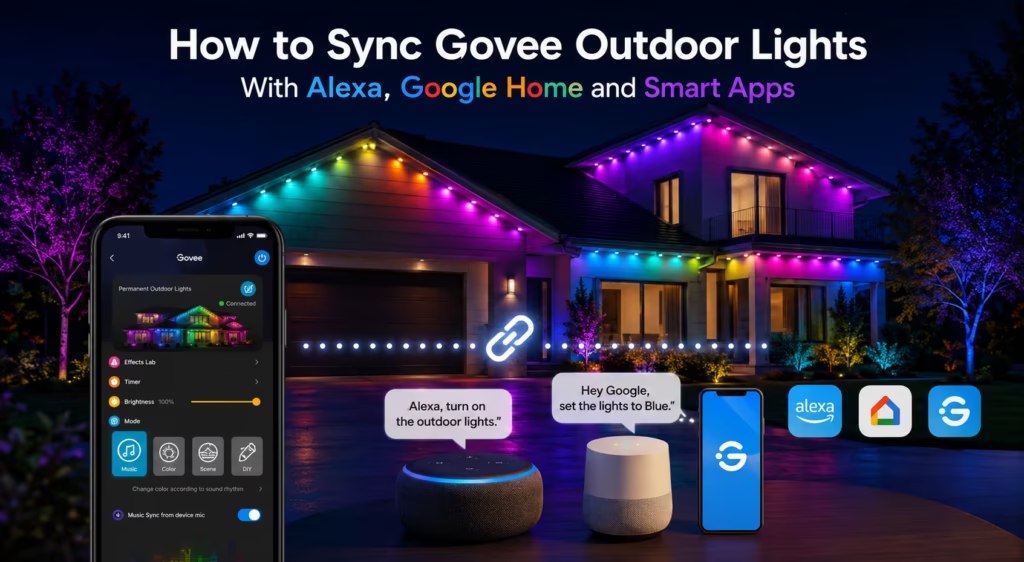

Outdoor lights are not just for turning on and off. Now people want to be able to control their lights using their voice or have them turn on and off automatically or use a phone app to control Govee Outdoor Lights.
Govee Outdoor Lights are really popular because they work well with smart home systems, like Alexa and Google Home and other smart apps.
Once synced properly, you can control your outdoor lighting with simple voice commands like:
Let’s break down how to connect everything step by step.
Govee smart lights are made to work with apps and voice assistants like Alexa and Google Home. Sometimes people have trouble with Govee smart lights syncing or connecting. This can stop them from controlling Govee lights and using automation.
One big problem is that the Wi-Fi is not strong or is not working right. If the internet is slow or the router is far away from Govee smart lights they might not work with the app or they might not listen to voice commands. Another problem is that the account is not set up right. This means the Govee app is not connected correctly to Alexa or Google Home services.
Other common sync problems include:

Govee lights work well with Amazon Alexa. This means you can control your lights with your voice. you can say “turn on the lights”.
First check if your Govee lights are connected to the Govee Home App. Next, open the Alexa app. Go to Skills & Games. Search for “Govee Home.” Enable the skill and sign in with your Govee account. This links your Govee account to Alexa.
When you are connected go to “Discover Devices” in Alexa. Your Govee lights will show up. Then you can put them into rooms or areas. This makes it easy to control your lights.
You can use voice commands such as:
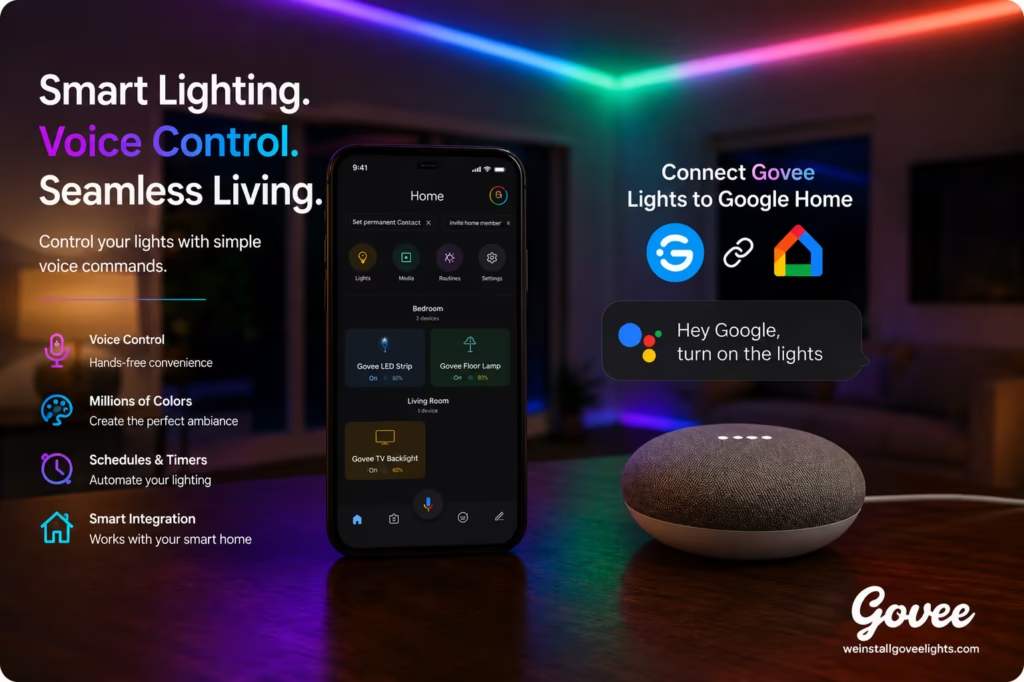
If you have govee lights I can tell you how you can connect them to Google Home. This is really easy to do. You can control your Govee lights with your voice. You can say things like “turn on the Govee lights” or “set the Govee lights to blue”. It will do it.
To get started with make sure your Govee lights are connected to the Govee Home App. Then you opened the Google Home app on your phone. You tap the plus sign to add a device. You selected “Works with Google”. Then you searched for the Govee Home service.
Next, sign in with your Govee account so you could link the Govee Home service to Google Home. After this my Govee lights showed up in the Google Home app. Now you can assign your Govee lights to rooms and it makes it a lot easier to control them and keep everything organized.
After setup, you can use voice commands such as:

Govee lights are made to work with apps on your phone so you can control Govee lights from anywhere. You can use your phone or a voice assistant to do this. When you connect Govee lights you can use lots of features like colors and schedules and scenes and automation for Govee lights.
Govee lights can work together just you need to connect them to the Govee Home App by using Wi-Fi or Bluetooth and then you can connect your lights with Alexa or Google Home.
This lets you use your voice to control Govee lights and make them part of your home, with Govee lights.
Once synced, you can:

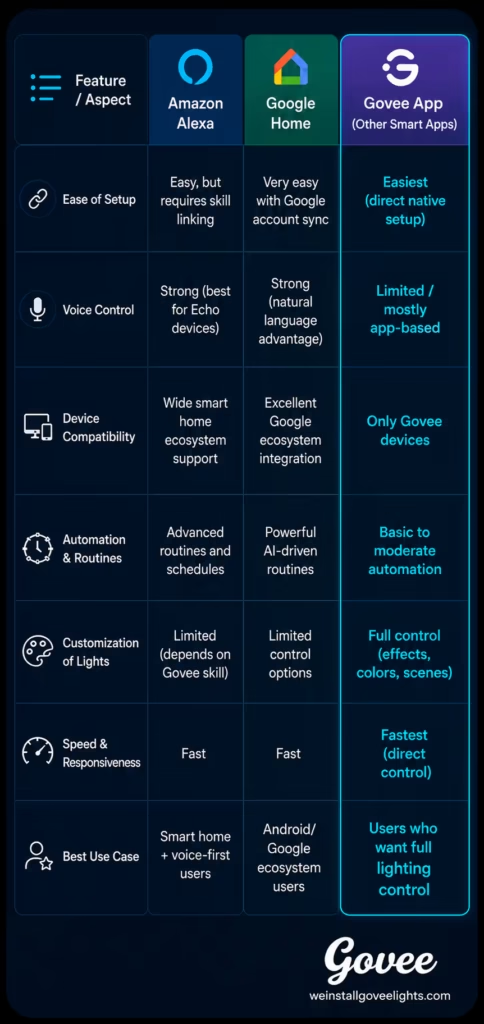
So you have these lighting systems like Amazon Alexa and Google Home that work with your Govee lights. They are supposed to make it easy for you to control your Govee lights.. They are not all the same. Some are faster than others. Some work better with your Govee lights. Some let you do things automatically.. They are all different when it comes to how easy they are to use.
When you pick one of these systems for your Govee lights you have to think about what’s important to you. Do you want to be able to tell your Govee lights what to do with your voice? Do you want your Govee lights to work well with smart things in your home?. Do you want to be able to change a lot of settings on your Govee lights?
Here’s a clear comparison to help you decide which system works best:

I really like my Govee lights because they let me control them without using my hands. I can use Alexa or Google Home or the Govee Home App to do this. When I have them connected I can turn my Govee lights on or off change the colors make them brighter or dimmer and even do special things with just my voice or by tapping on my phone.
The Govee outdoor lights system is made to be easy for people who own homes to have lighting without needing to flip switches or figure out complicated stuff. This way I can have an automated way to control my Govee outdoor lights.
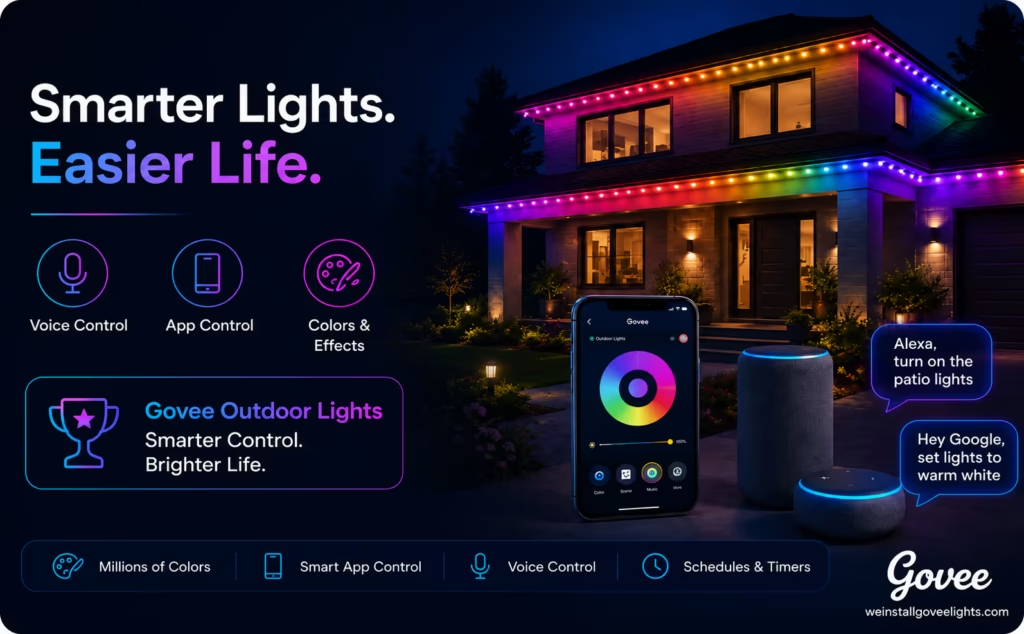
I really like using Govee lights because they are so easy to control without using my hands. Govee outdoor lights are convenient. They look great. They also have technology that makes my life easier. I can manage my home lighting quickly. It is more fun to do every day.
When I connect my Govee Outdoor Lights to Alexa or Google Home or use apps my outdoor space becomes really connected. I can change the mood or color or brightness of my Govee Outdoor Lights by talking or using my phone. I do not have to go or use the switches manually.
Govee outdoor lights are not just for making my home look nice. When I set them up correctly they become a part of my life. Govee outdoor lights are simple to use. They work automatically. They are a smart way to control my home environment. I can enjoy my Govee lights every day.
Share your thoughts below and let us know how we can help with your lighting project.
Get fast, reliable help for your lighting project with clean installation, secure setup, and expert support from start to finish.